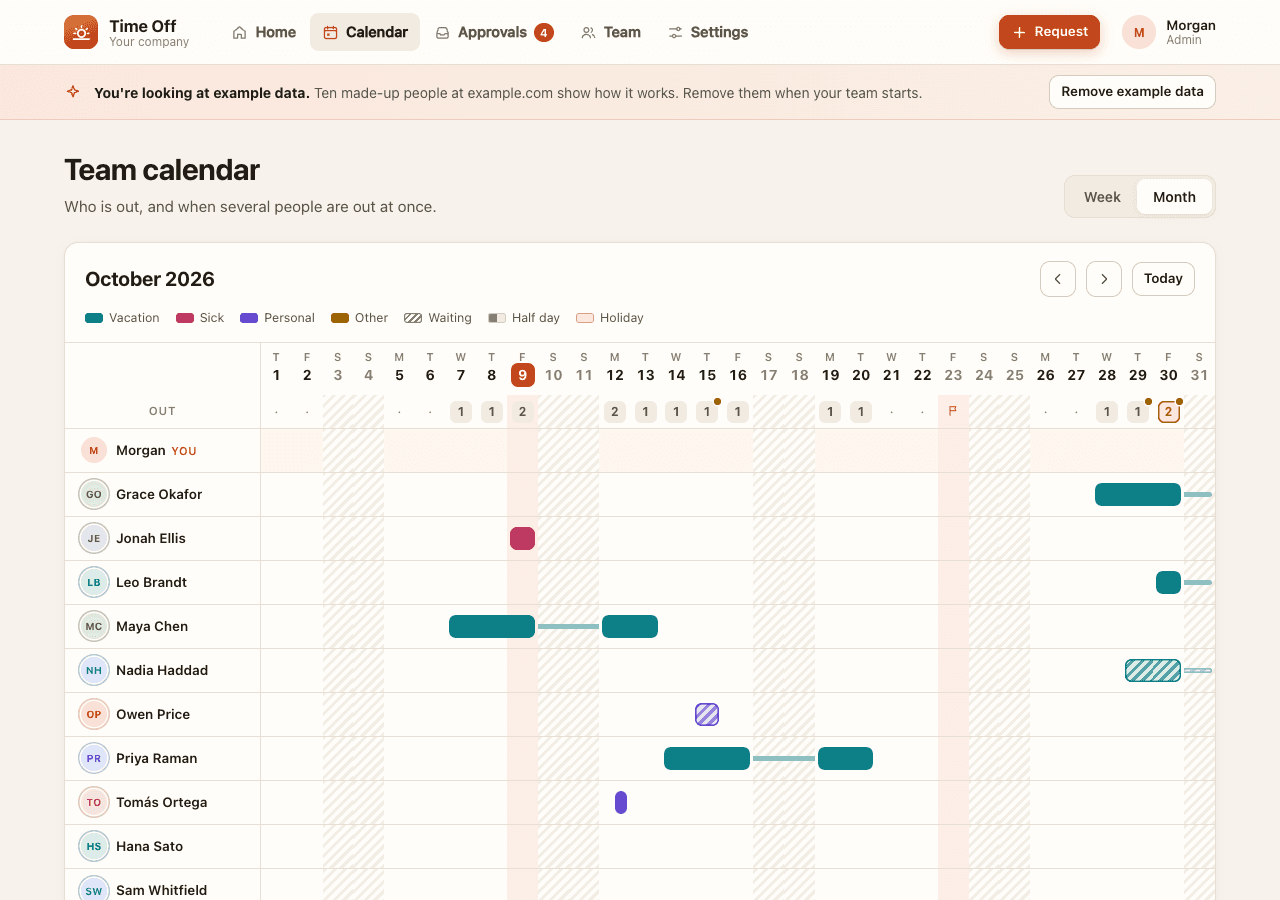
Time Off
Requests, approvals, balances and a team calendar. Weekends and company holidays are counted correctly.
WORKING STARTERS
Try a finished app, make your own copy, and invite a coworker. Your copy gets its own address and data. Change anything later with your coding agent.
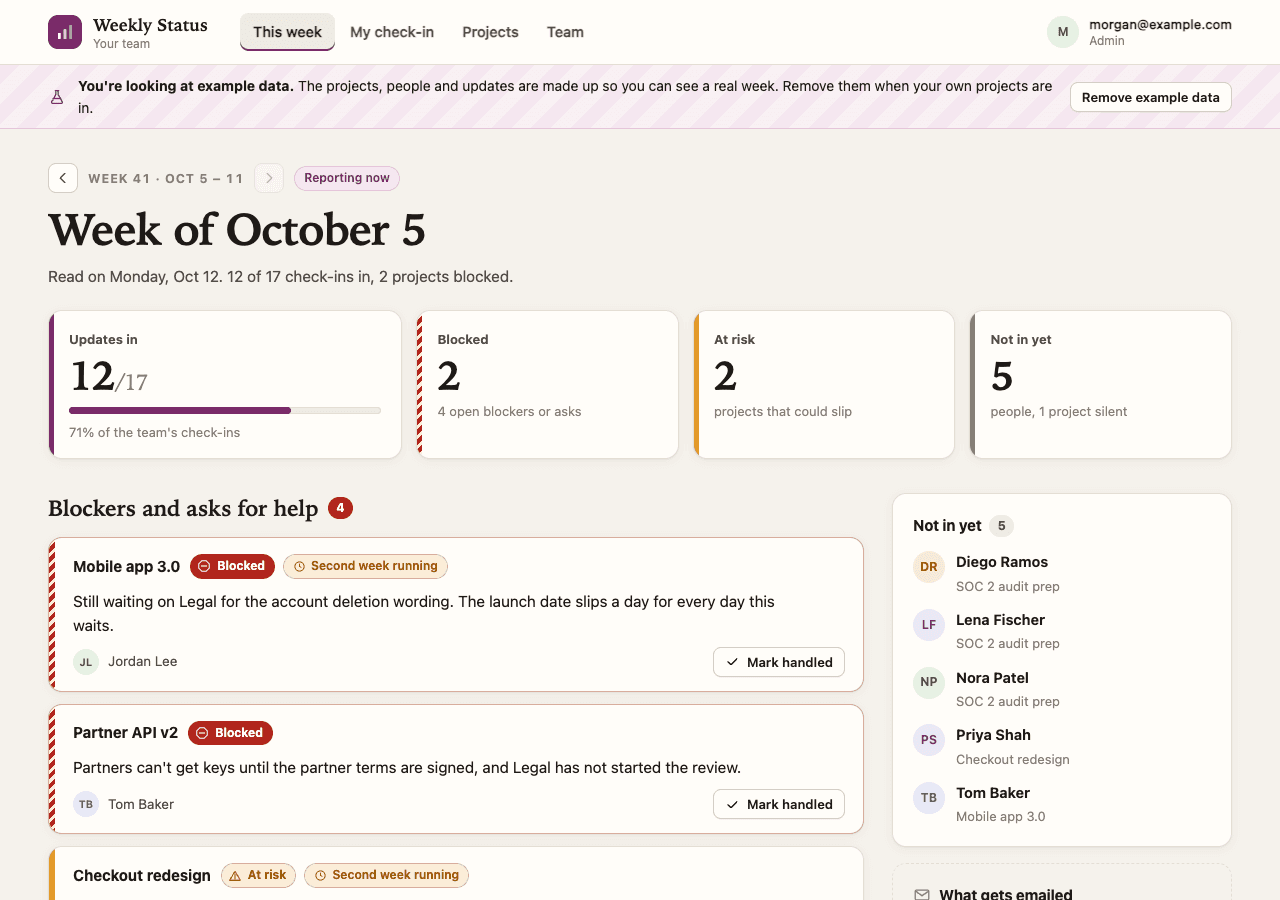
Everyone answers three short questions per project. The week page puts blockers and missing updates first; a Monday summary goes to admins.
The demo is shared by everyone who signs in and resets to example data each night. Your published copy is separate.
FROM EXAMPLE TO TEAM
Use the terminal commands below, or give the starter to your coding agent.
Spryloom emails you a link. Confirm the short code shown in your terminal.
npx -y spryloom login --email you@yourcompany.comThis makes a separate copy in your workspace, with its own database and private address.
npx -y spryloom publish github.com/spryloom/spryloom/tree/main/examples/weekly-statusOpen the address the command prints. As an admin, add a project and its people, then remove the example data when you are ready.
Adding an address to a project sets up a check-in; send a Spryloom invitation too so the person can open the app. Ask them to open the email link and check in.
npx -y spryloom invite weekly-status --email teammate@yourcompany.comWITH A CODING AGENT
After adding Spryloom to your agent, give it this prompt. It can change the starter and handle publishing; you decide whom to invite.
Set up Spryloom in your agent →Use the Weekly Status starter at github.com/spryloom/spryloom/tree/main/examples/weekly-status. Help me adapt it for my team, then publish it with Spryloom for people I invite. Ask me for the email addresses before inviting anyone.
TWO MORE STARTERS
Each is a complete app you can try, publish unchanged, or adapt with your agent.
Requests, approvals, balances and a team calendar. Weekends and company holidays are counted correctly.
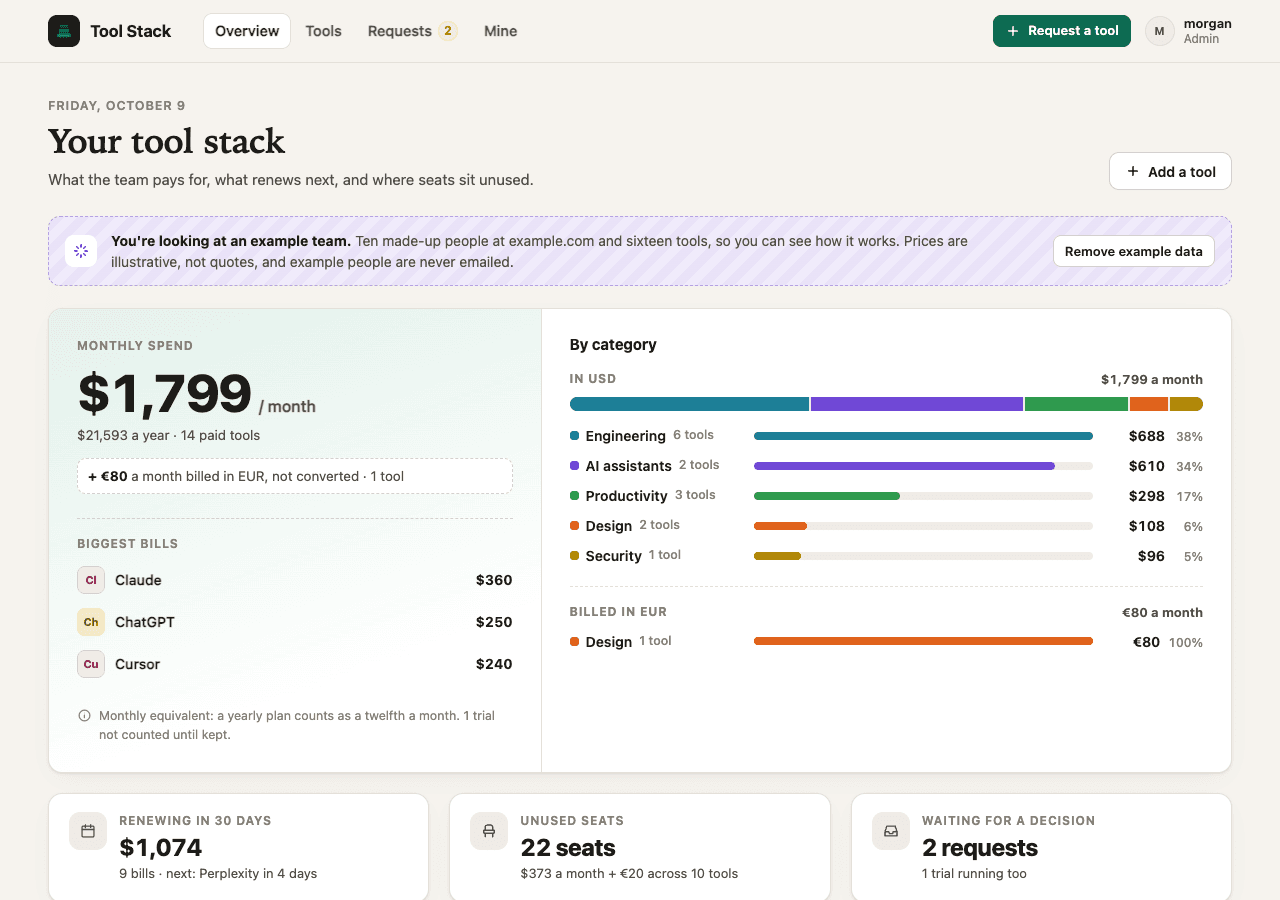
See the tools your team pays for, what renews next, unused seats and requests for new tools.