Using an app as a coworker
You do not need to install anything or use a coding agent. A teammate built it and invited you; you use it from its web address, in a browser, on a laptop or a phone.
1. Open your invitation
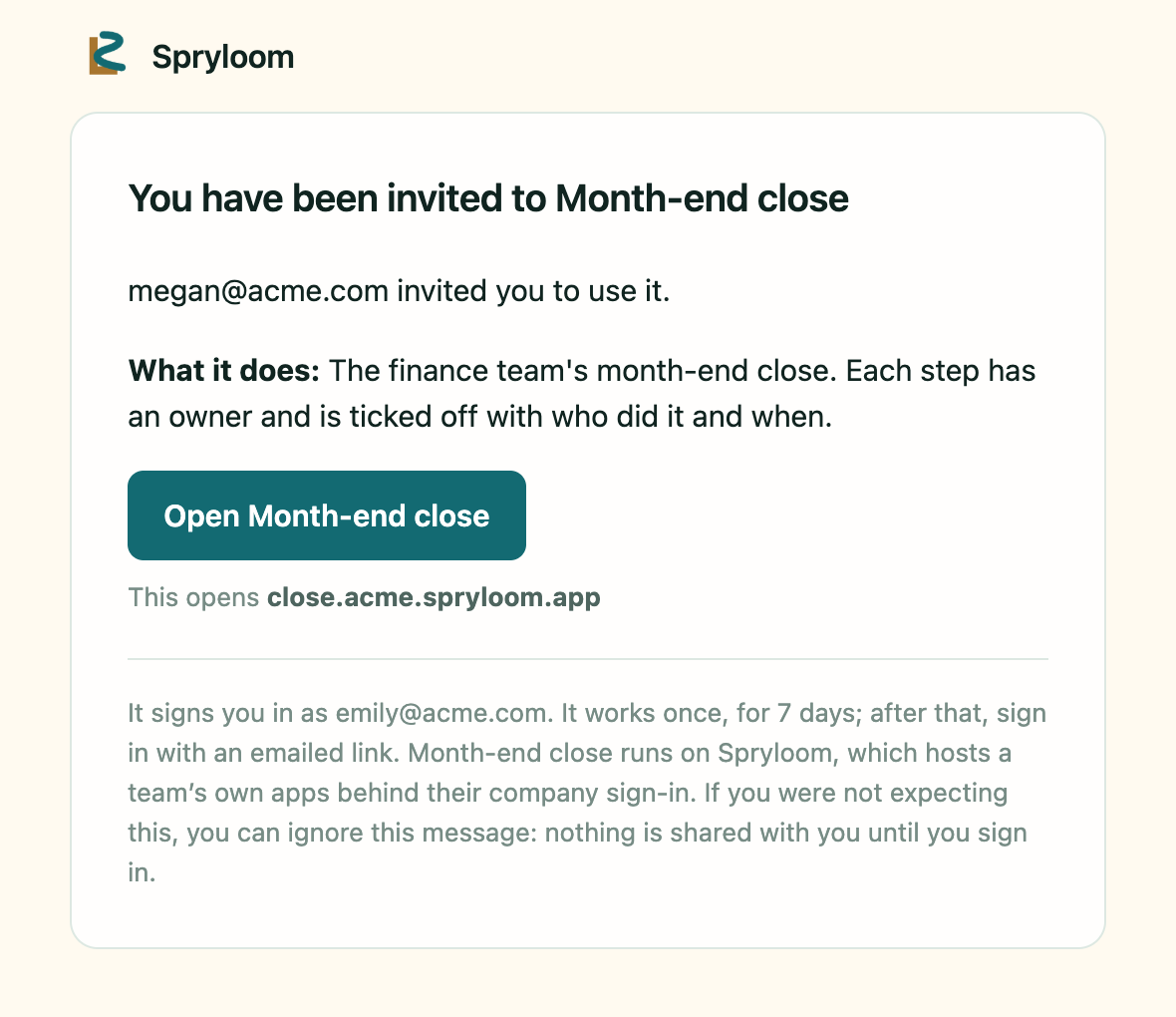
The email comes from Spryloom. It says who invited you, what the app or page is called, and what it does, so you can decide whether to open something a colleague made. Beneath the button, it says which address the button opens.
2. Press Continue
The button takes you to a page that says which address you were invited as. Press Continue and you are in. There is no password to choose, now or later.
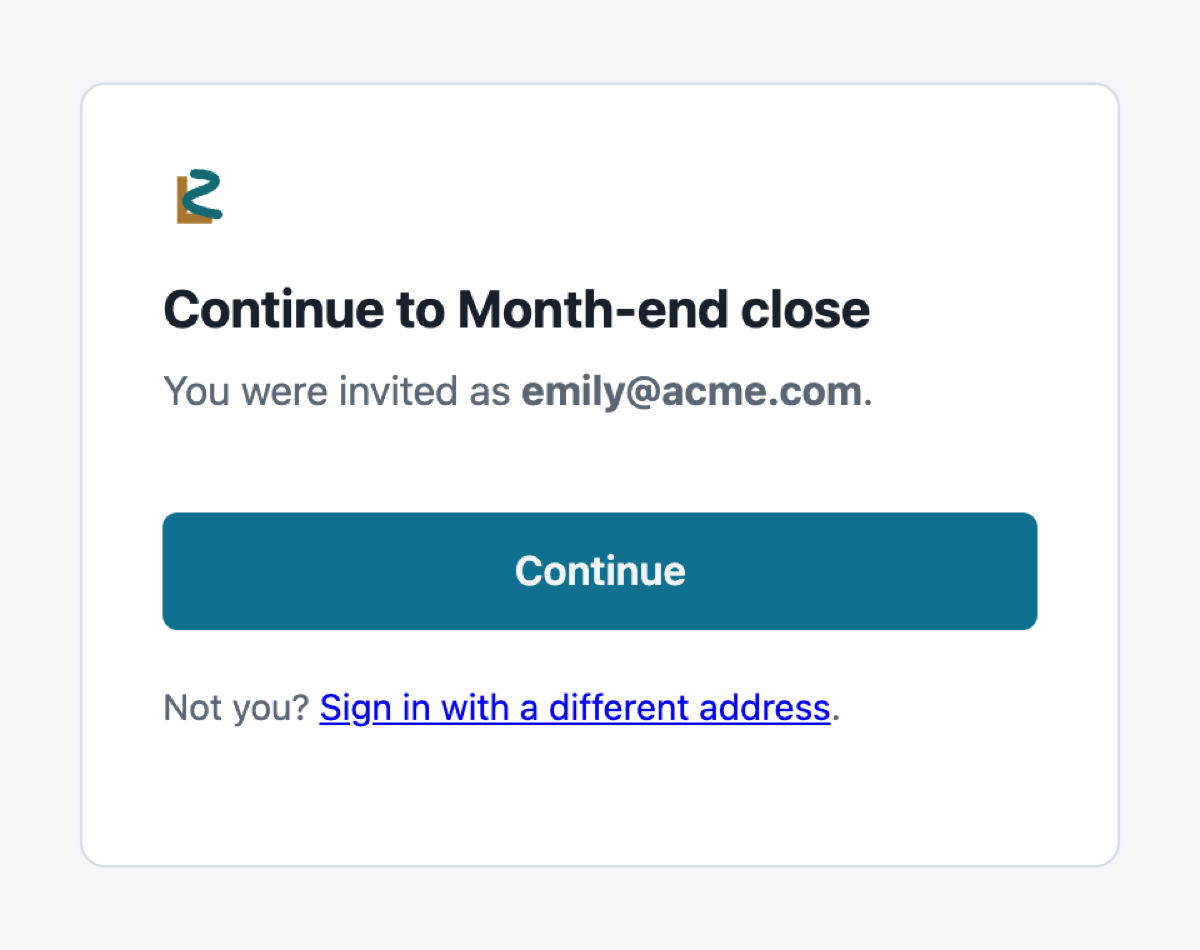
The button works once, for 7 days. After that, or on another device, open the app's address and sign in with an emailed link: enter the address that received the invitation, open the sign-in email, and confirm.
3. Use it
It is the tool your teammate built: a checklist, a sign-off, a tracker, an approval flow. Spryloom already knows who you are, so you never type your name; anything you save is stamped with your address and the time.
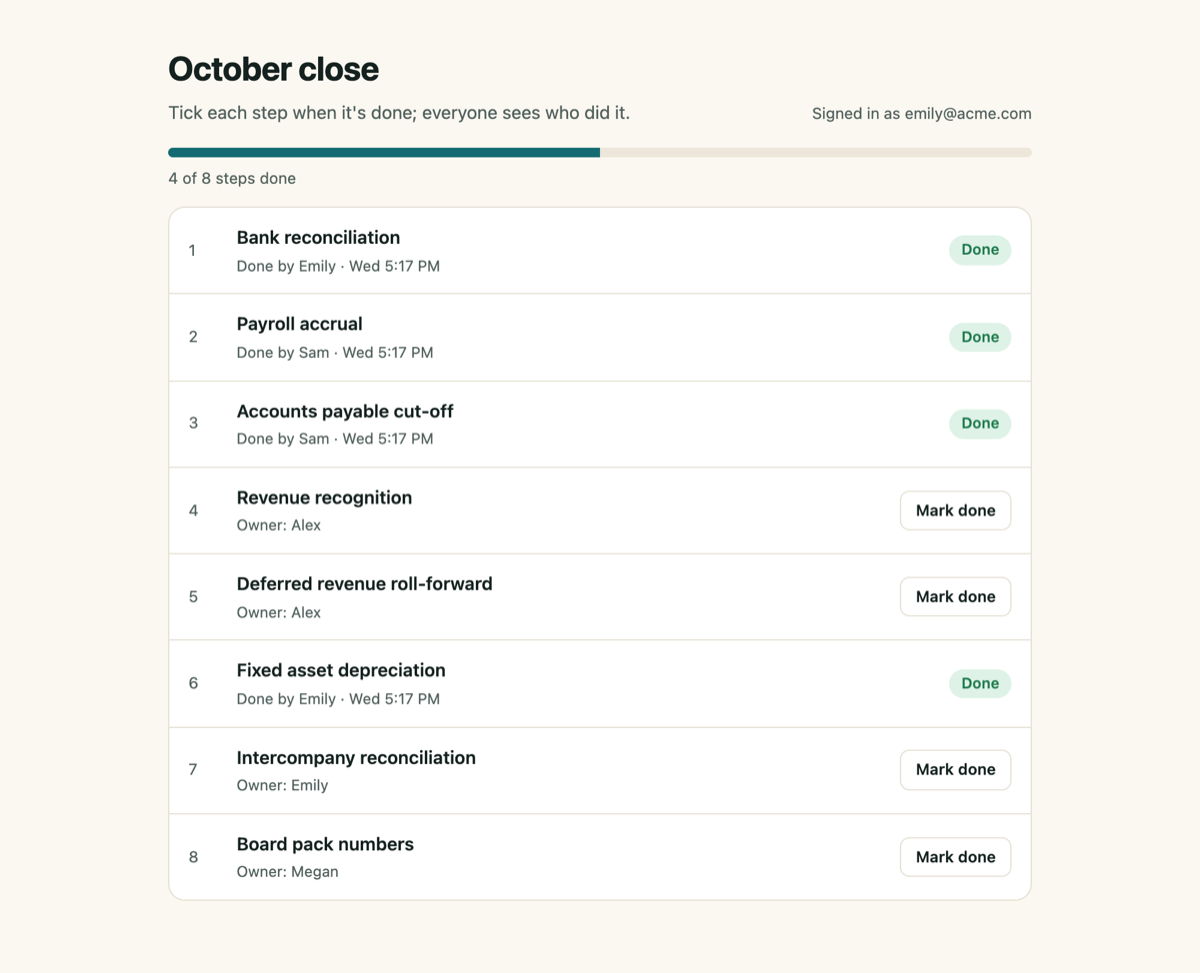
Who can see and change what is up to the person who built it. On a page that saves data, a shared list is seen by everyone who can open the page, and only the person who saved a record, or the page's owner, can change it. If it is unclear who can see something, ask the owner.
If something goes wrong
- The email did not arrive. Check spam, and check the address with the person who invited you.
- You are refused. Ask the owner to check the invitation. Access belongs to the address that was invited; another address of yours does not inherit it.
- The button has expired. Open the app's address and sign in with an emailed link instead.
Never forward a sign-in email or a link from one: it is a way in as you. For anything else, tell the person who invited you, or email hello@spryloom.com.